Author

LogOffly Editorial

Browsing

Notification Fast

We’ve become Pavlov’s dogs. Every time our pocket buzzes with a “like,” a news alert, or a promotional email, we reflexively reach out. We think we’re staying “informed,” but in reality, we’re suffering from Continuous Partial Attention.

At LogOffly, we believe the fastest way to lower your cortisol and regain your focus is a radical intervention. We call it the 30-Day Notification Fast.

The rules are simple: For the next month, you turn off every single push notification on your phone, with only two exceptions: Phone Calls and Text Messages (SMS/WhatsApp) from actual humans.
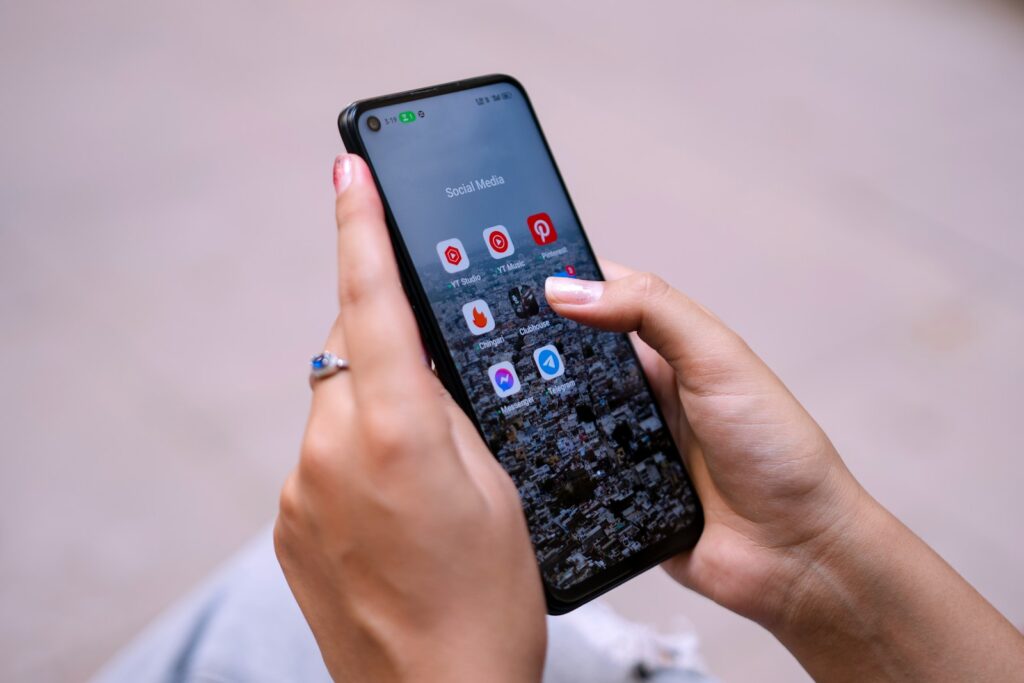
a woman holding a cell phone in her hand

Why 30 Days?

It takes roughly 21 to 66 days to prune old neural pathways and build new ones.

Week 1 (The Withdrawal): You will feel “phantom vibrations.” You’ll check your phone constantly, fearing you’ve missed something.

Week 2 (The Calm): The phantom pings fade. You start to notice the world around you more. Your “input anxiety” begins to drop.

Week 3 & 4 (The Mastery): You realize that 99% of what you thought was “urgent” was actually just “noise.” You start opening apps when you want to, not when they command you to.

What Stays and What Goes?

❌ THE NOISE (Turn OFF): Social media likes/comments, News alerts, Email pings, Game invites, Shopping “deals,” and YouTube “New Video” alerts.

✅ THE ESSENTIALS (Stay ON): Direct phone calls and direct messages from friends/family/colleagues.

The Secret Weapon for a Successful Fast

The hardest part of a Notification Fast is the temptation to “just check” the apps manually. If you find yourself mindlessly opening Instagram just because you haven’t seen a notification in an hour, you need to create a physical barrier.

Our Top Recommendation: The kSafe Mini (Kitchen Safe) Locking Container

If you want to ensure your “Fast” actually sticks—especially during “Deep Work” hours or family time—the kSafe Mini is a life-saver. It’s a high-quality, BPA-free container with a giant timer on the lid. You put your phone in, rotate the dial, and lock it away for anywhere from 1 minute to 10 days.

  • Why it works: It removes the need for willpower. When your phone is physically inaccessible, the “urge to check” disappears within minutes, allowing your brain to enter a state of deep relaxation or focus.
  • The Result: You’ll find yourself finishing books, having deeper conversations, and finally sleeping without that “blue light” temptation.

Note: Supporting LogOffly through our affiliate links keeps us ad-free and focused on your digital freedom!

How to Prepare for the Fast

Before you flip the switches, do these three things:

  1. Tell Your Inner Circle: Let your close friends and family know: “I’m doing a 30-day digital fast. If you need me urgently, call me. Otherwise, I’ll reply when I check my messages later today.”
  2. Clean Your Home Screen: Move your “temptation apps” (Social media, News) off your first screen and into folders.
  3. Set Your “Check-In” Times: Decide on two times a day (e.g., 12:00 PM and 5:00 PM) when you will manually open your apps to see what you missed.

Are You Ready?

The world won’t end if you don’t know that someone liked your photo within three seconds. But your peace of mind might just begin.

The Question

The Question: Which specific app on your phone is the “loudest” (sends the most notifications)? How would your day change if that app suddenly went silent?


Boredom Toolkit

“I’m booooored.”

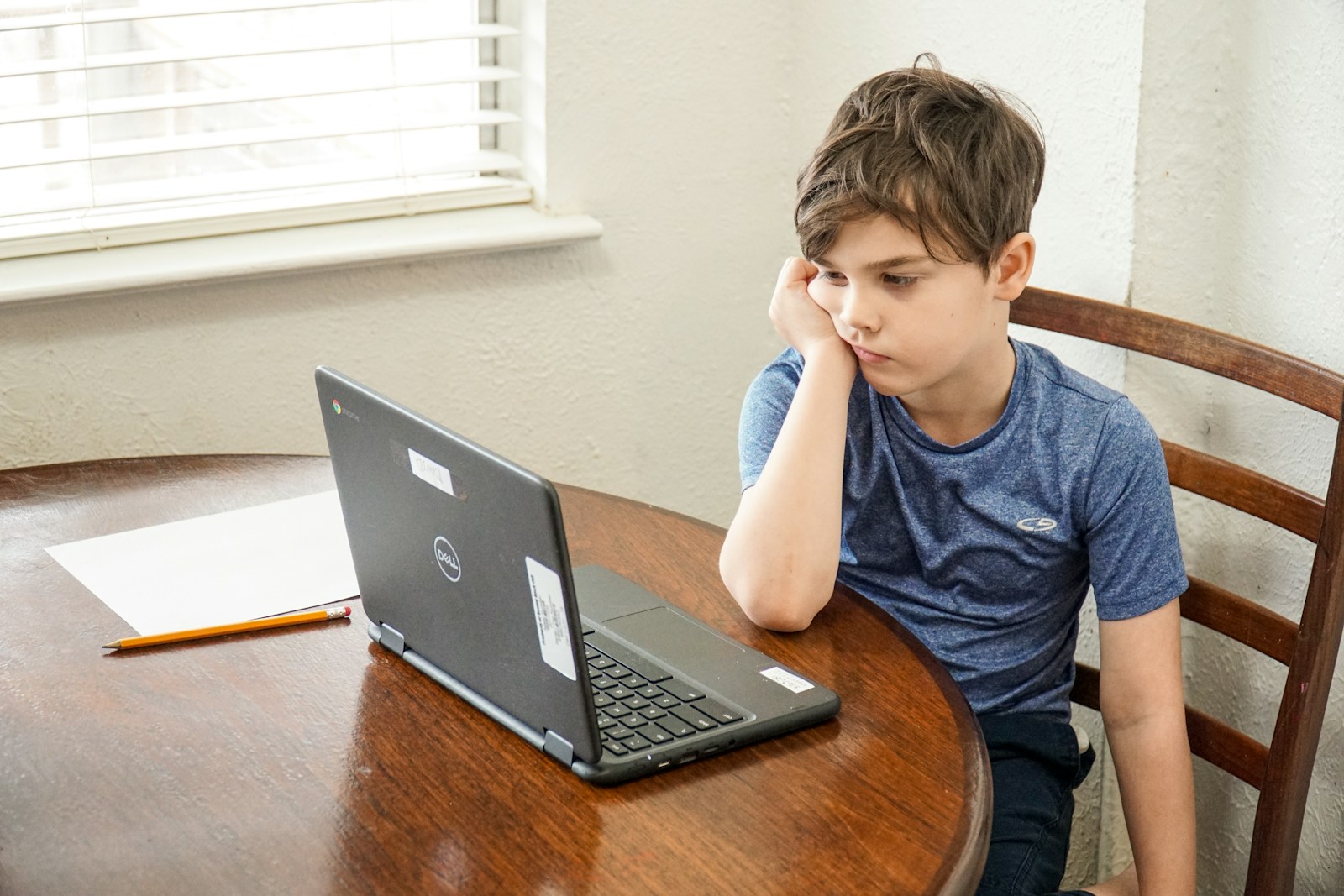
For many parents, these three words trigger an immediate response: reaching for the iPad. It’s the “digital pacifier”—a quick, silent fix for a restless child. But at LogOffly, we believe that by killing boredom instantly with a screen, we are accidentally starving our children’s creativity.

Boredom isn’t a problem to be solved; it is a developmental threshold. It is the space where imagination is born.

boy in blue crew neck t-shirt using macbook pro on brown wooden table

The Science of the “Boredom Gap”

When a child is bored, their brain switches to “Default Mode.” This is the state where the mind begins to wander, daydream, and—most importantly—problem-solve.

  • Creativity: If a child is never bored, they never have to invent a game, build a fort, or write a story.
  • Resilience: Learning to tolerate the “itch” of boredom helps children develop emotional regulation and patience.
  • Autonomy: Constantly provided entertainment makes children “passive consumers.” Boredom turns them into “active creators.”

The goal isn’t to leave your child in a void, but to provide them with a Boredom Toolkit—a collection of “low-tech” prompts that spark the imagination without the dopamine spikes of a screen.

The Heart of the Toolkit: Open-Ended Play

The best tools for a boredom toolkit are “open-ended.” An iPad has one way to be used; a box of blocks has a thousand. If you want to replace the iPad, you need a physical “hook” that invites curiosity.

Our Top Recommendation: The Melissa & Doug Deluxe Magnetic Standing Art Easel

This is the ultimate “Boredom Buster.” Unlike a screen that feeds information to the child, an easel invites the child to put their world onto the paper.

  • Why it works: It’s a multi-sensory station. One side is a chalkboard, the other a dry-erase board, with a paper roll for painting or drawing. It’s always “on,” ready for when a spark of an idea hits.
  • The Result: Instead of “zoning out” to a video, your child engages in “Deep Play”—developing fine motor skills and spatial awareness while they express themselves.

Note: Supporting LogOffly via our affiliate links helps us stay dedicated to promoting healthy, balanced childhoods!

How to Build Your “Boredom Toolkit”

Start small. Keep a dedicated basket or box in the living room containing:

  1. The “Creation” Layer: Blank paper, thick crayons, washi tape, and safety scissors.
  2. The “Building” Layer: A deck of cards, a bag of wooden clothespins, or a set of classic blocks.
  3. The “Prompts”: A jar of “Boredom Jars”—slips of paper with ideas like “Build a bridge for an ant,” “Draw a monster that likes broccoli,” or “Make a hat out of newspaper.”

The “15-Minute Rule”

When your child complains of boredom, don’t jump in immediately. Acknowledge it (“It’s okay to be bored, I wonder what your brain will come up with!”) and give them 15 minutes. Usually, after 10 minutes of restlessness, the “Default Mode” kicks in, and they find a way to entertain themselves.

Let’s give our kids their imaginations back.

The Question

The Question: What was your favorite “low-tech” way to play when you were a child? Could you re-introduce that same simple joy to your kids today?


Digital Eye Strain

Digital nomads live the dream: working from cafes in Bali, co-working spaces in Lisbon, or vans in the Alps. But there is a silent side effect to this freedom. When your office is wherever your laptop is, you tend to spend significantly more time staring at high-brightness screens in poorly lit or glare-heavy environments.

The result? Digital Eye Strain (also known as Computer Vision Syndrome). If you experience headaches, blurred vision, or dry, “gritty” eyes by 4:00 PM, your eyes are crying out for a break.

At LogOffly, we believe the 20-20-20 Rule is the most important habit any digital nomad can adopt.

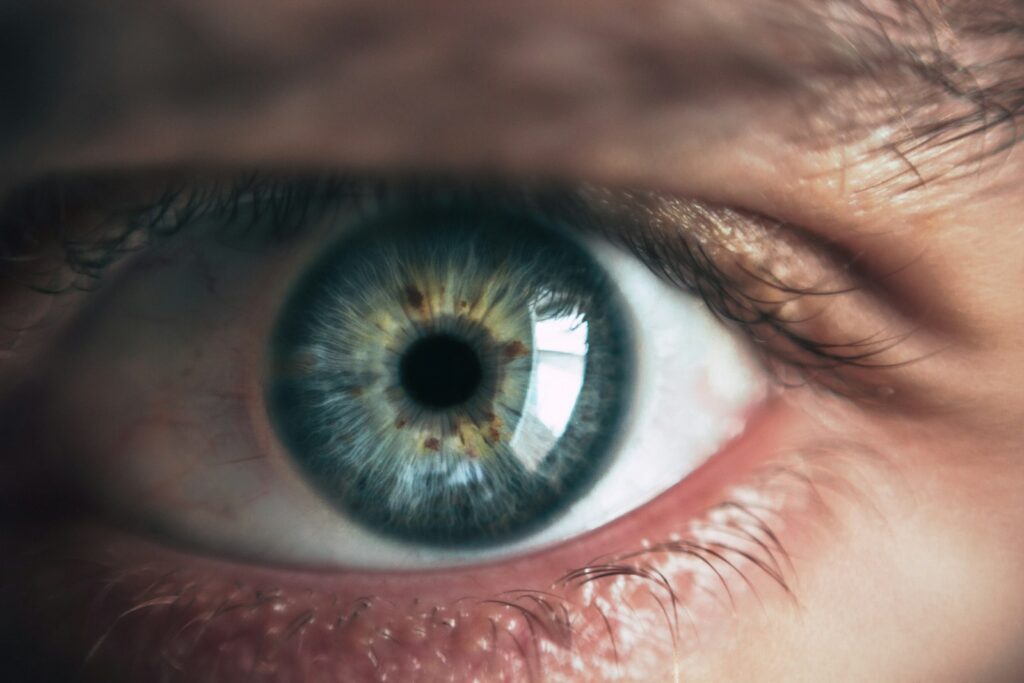
close-up photography of human eye

What is the 20-20-20 Rule?

Developed by optometrist Dr. Jeffrey Anshel, the rule is a simple, rhythmic way to reset your eye muscles and prevent long-term damage:

Every 20 minutes, look at something 20 feet away (approx. 6 meters) for at least 20 seconds.

Why It’s a Game-Changer for Remote Workers

Our eyes were evolved to scan the horizon for movement, not to focus on a fixed point 50 centimeters from our faces for eight hours.

Mental Micro-Rest: These 20-second windows act as “cognitive palate cleansers,” preventing the brain fatigue that comes from intense screen focus.

Relaxing the Ciliary Muscle: When you look at a screen, your eye muscles are constantly “contracted.” Looking 20 feet away allows those muscles to relax.

The Blink Rate Reset: We blink 66% less when looking at screens. A 20-second break encourages your eyes to blink naturally, replenishing the tear film and preventing “Zombie-Eyes.”

The Nomad’s Essential Eye-Care Tool

For a digital nomad, your eyes are your greatest professional asset. Beyond the 20-20-20 rule, the best thing you can do is block the harmful artificial light that keeps your eyes in a state of high-alert.

Our Top Recommendation: Blue Light Blocking Glasses by Cyxus

When you’re working from a sunny beach club or a brightly lit airport lounge, your eyes are battling both screen glare and artificial blue light. Cyxus Blue Light Blockers are the industry standard for nomads who want to look stylish while protecting their vision.

  • Why they work: These glasses filter out the high-energy blue light (HEV) that causes eye fatigue and disrupts your sleep-regulating melatonin.
  • Travel-Ready: They are lightweight, durable, and come with a protective case—perfect for throwing into a backpack between destinations.
  • The Result: Less eye “burning,” fewer screen-induced headaches, and better sleep after a long day of coding or writing.

Note: Supporting LogOffly via our links helps us keep the “nomad spirit” alive. Thank you!

How to Actually Remember the 20-20-20 Rule

Let’s be honest: when you’re “in the zone,” 20 minutes flies by. Here is how to make it a habit:

  1. Use a “Water Trigger”: Every time you take a sip of water, look out the window at something far away.
  2. Visual Cues: If you’re in a cafe, sit facing a window. The distant movement outside will naturally draw your eyes away from the screen.
  3. Desktop Apps: Use a simple timer like Stretchly or EyeLeo that dims your screen every 20 minutes to remind you to look up.

Your eyes are the windows to the world you’re traveling to see. Don’t let a laptop screen blur the view.

The Question

The Question: Look out the nearest window right now. What is the furthest thing you can see? Focus on it for 20 seconds—does your vision feel “sharper” when you look back at this text?


Work From Home

In the old world, leaving the office meant something. You turned off the lights, locked the door, and the commute acted as a “liminal space”—a psychological buffer that transitioned you from Professional to Human.

Today, that buffer is gone. With Slack, Microsoft Teams, and Zoom living on our laptops and smartphones, the office doesn’t stay at work. It follows us into the kitchen, onto the sofa, and even onto our nightstands.

At LogOffly, we’ve identified this as “Always On” Exhaustion. We aren’t just working from home; we are “sleeping in the office.”

people sitting down near table with assorted laptop computers

The Psychology of the “Digital Leash”

The problem isn’t the work itself; it’s the expectation of availability.

Leisure Guilt: We feel guilty for not answering a “quick question” in the evening, forgetting that rest is a prerequisite for high-quality work.

The “Ping” Response: Every time a Slack notification sounds at 8:00 PM, your brain enters “Work Mode.” Even if you don’t reply, the mental load has shifted.

The Invisible Boss: When your laptop is open on the kitchen table, it acts as a visual “command” to stay productive. You can’t fully relax because the “boss” is effectively sitting in your dining room.

The Erosion of the Sanctuary

Our homes are supposed to be places of recovery. When the boundaries between “Work” and “Life” vanish, our stress levels never return to baseline. This chronic state of low-level alertness is the primary driver of digital burnout.

Reclaim Your Space: The “Physical Off-Switch”

To beat “Always On” exhaustion, you need more than just willpower; you need a ritual that signals the end of the day. If you don’t have a separate room for an office, you must “hide” the work.

Our Top Recommendation: The Hideaway Floating Wall Desk

The most effective way to end the workday is to physically close it. A Floating Wall Desk (like the ones available from Haotian) allows you to have a dedicated workspace that literally folds up and disappears when you’re done.

  • Why it works: When you fold the desk up, your laptop, notes, and “work energy” are hidden from view. This visual “deletion” of the office allows your brain to switch back into “Home Mode.”
  • The Result: Your living room becomes a living room again, not a cubicle. It creates the “commute” your brain is missing.

Note: Supporting LogOffly via our affiliate links helps us continue our mission to protect your mental space!

3 Steps to Kill the “Always On” Cycle

If you’re worried about being rudIf you can’t change your job, change your digital environment:

  1. The “Work Phone” Rule: If possible, delete Slack and Teams from your personal phone. If you must have them, use the “Scheduled Summary” or “Focus Mode” features to auto-silence them at 6:00 PM.
  2. The Laptop Burial: When the clock hits 6:00 PM, don’t just close your laptop. Put it in a drawer or a bag. Out of sight, out of mind.
  3. The “Commute” Walk: After you finish work, walk around the block for 10 minutes. This physical movement tells your nervous system: “Work is over. Life is beginning.”

Your home is your sanctuary. Don’t let a green “Active” dot tell you otherwise.

The Question

The Question: Does your home still feel like a place of rest, or has it started to feel like a high-stress workplace? What is one physical change you can make today to reclaim your living space?


Slow Messaging

We’ve all felt that specific pang of guilt. You see a notification for a non-urgent text message—a friend asking for a recommendation or a cousin sharing a meme. You’re in the middle of something else, so you don’t reply immediately.

Then, the hours turn into days. The longer you wait, the “heavier” the message feels. You start to feel like a bad friend. You feel like you owe an apology.

At LogOffly, we want to tell you: It is time to forgive yourself. Welcome to the Slow Messaging Movement.

woman sitting on sand

The Myth of the Instant Response

The invention of the smartphone created an accidental expectation: because we carry our “mailboxes” in our pockets, we should be available at all times. But just because technology is instant doesn’t mean human thought should be.

Slow Messaging is the belief that:

Presence Matters: If you are playing with your kids, working on a project, or just staring at the clouds, that is more important than a digital ping.

Depth beats Speed: A thoughtful reply after three days is more valuable than a “cool” sent in three seconds.

Availability is a Gift, Not a Right: You are not a public utility. You do not have to be “on” for everyone, all the time.

Breaking the “Urgency” Loop

When we respond to everything instantly, we train our brains to live in a state of high-alert. This constant “micro-switching” prevents us from ever reaching deep focus or true relaxation. By intentionally slowing down your response time, you are training your nervous system—and your social circle—that you are living life on your own terms.

Reclaim Your Focus: The Gift of Analog Time

The biggest obstacle to “Slow Messaging” is the phone sitting on your desk, staring at you. Even if it’s silent, its presence exerts a “cognitive pull” that makes you feel guilty for not checking it. To truly embrace the slow movement, you need to create a dedicated space for your focus.

Our Top Recommendation: The EASEPRESS Desk Organizer

One of the best ways to practice Slow Messaging is to have a “Home for your Phone” that isn’t in your hand or right next to your keyboard. This EASEPRESS Desk Organizer allows you to keep your workspace tidy while giving you a specific slot to “park” your phone.

  • How it helps: By placing your phone in a designated spot across the desk (or in a drawer), you create a physical boundary. You can focus on your book, your work, or your thoughts without the constant visual reminder of “unanswered” messages.
  • The Result: You regain the “sovereignty” of your attention. You check the phone when you are ready, not when it screams for you.

Note: By using our links, you’re helping LogOffly spread the message of intentional living. Thank you!

How to Start “Slowing Down” Without Losing Friends

If you’re worried about being rude, try these small shifts:

  1. The Status Update: Set your WhatsApp or Slack status to: “Focusing. Slow to reply, but I’ll get back to you soon!”
  2. Voice Notes over Texts: If you don’t have time to type, send a 30-second voice note when you’re walking. It’s more personal and often faster.
  3. The Sunday Catch-Up: Save all non-urgent “life admin” messages for a specific block of time on the weekend. Reply to everyone at once when you have the mental energy to actually connect.

A true friend doesn’t want your “instant” attention; they want your “real” attention. Wait until you have it to give.

The Question

The Question: Who is the one person in your life who always respects your “slow” replies? How does that friendship feel different compared to the ones that demand an instant “ping”?


Empty Inbox

We’ve been told that “Inbox Zero” is the holy grail of productivity. We’ve been led to believe that if we can just clear those unread numbers, we will finally achieve a state of “Zen.”

But at LogOffly, we’ve started to notice a disturbing trend: People are spending more time managing the record of their work than actually doing their work. We’ve become the administrative assistants of our own lives.

Is a clean inbox really the key to mental rest, or have we fallen into a sophisticated trap?

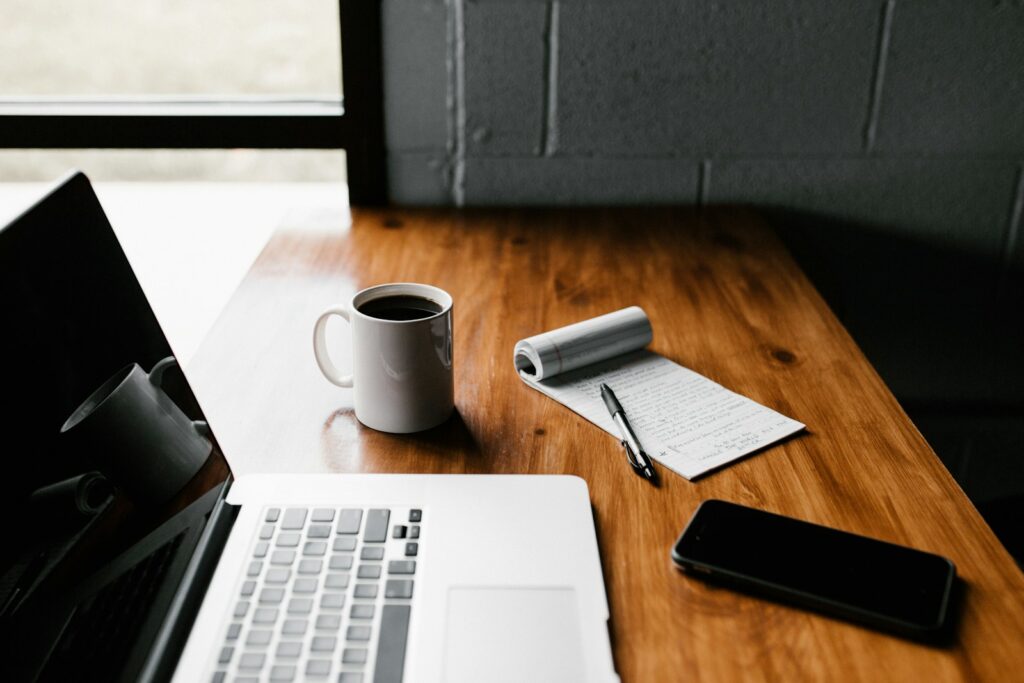
MacBook Pro, white ceramic mug,and black smartphone on table

The Myth of Inbox Zero

The concept of Inbox Zero was originally intended to be about the amount of brain space an inbox takes up. Somewhere along the line, we turned it into a literal race to 0.

The problem with chasing the empty inbox:

The Response Expectation: By replying instantly to maintain a clean inbox, you train others to expect an instant reply, fueling the “Always-On” culture.

The “Whack-a-Mole” Effect: Every email you send to clear your inbox usually generates 1.5 replies. The faster you “clean,” the faster the mess returns.

Low-Value Work: Organizing, archiving, and color-coding emails feels like work, but it rarely moves the needle on your biggest goals. It’s “productive procrastination.”

From “Zero” to “Meaningful”

Mental peace doesn’t come from having an empty folder; it comes from knowing that your attention is where it needs to be. If you spend two hours a day achieving Inbox Zero, that is two hours you didn’t spend on deep work, family, or your own health.

Reclaim Your Time: Analog Task Management

If you want to escape the digital loop of endless emails, you need to move your “To-Do List” out of your inbox and into the physical world. When your tasks live in your email, every time you check what to do next, you get distracted by new incoming “noise.”

Our Top Recommendation: The Clever Fox Planner – Weekly & Monthly Planner

To find true mental rest, you need a system that exists outside of your screen. The Clever Fox Planner is a high-quality, undated productivity journal that helps you focus on your priorities rather than your pings.

  • Why it works: It forces you to define your top 3 goals for the day away from your computer. Once it’s written in ink, you don’t need to open your inbox (and face the 50 new messages) just to see what you should be working on.
  • The Result: You stop being reactive to everyone else’s requests and start being proactive with your own time.

Note: Supporting LogOffly via our links helps us stay independent and focused on your digital wellbeing!

The LogOffly “Email Sanity” Strategy

If you’re feInstead of chasing the “Zero,” try these three shifts:

  1. Close the Tab: Do not leave your email open all day. Check it at 9 AM, 1 PM, and 4 PM. In between? The tab is closed.
  2. The “Good Enough” Inbox: Accept that you will always have 20-50 unread messages that aren’t important. Let them sit there. Your value is not defined by an empty folder.
  3. Touch It Once: If an email takes less than 2 minutes, do it. If it takes longer, move the task to your physical planner and archive the email.

Your life is what happens outside of your inbox. Don’t spend it all cleaning a digital room that never stays tidy.

The Question

The Question: How much of your day is spent managing “work” (emails, Slack, notifications) versus actually creating or doing something meaningful?


Social Media Loneliness

We are living in the most “connected” era in human history. With a single tap, we can see what a high school classmate is eating for dinner or send a heart emoji to someone across the ocean. We have thousands of followers, hundreds of “friends,” and infinite ways to be reached.

Yet, statistics show a heartbreaking trend: Loneliness levels are at an all-time high.

At LogOffly, we believe this is the great paradox of our time. We have mistaken digital reach for human intimacy, and our souls are feeling the difference.

person in blue denim jacket holding smarthone

Quantity vs. Quality: The Digital Illusion

Social media has commodified connection. It has taught us to value the quantity of our interactions (the likes, the views, the follower count) over the quality of our bonds.

The Comparison Barrier: When we see others’ curated lives, we feel “less than,” which causes us to retreat into ourselves—making us feel even lonelier.

Broadcasting is not Connecting: Posting a status update to 500 people is “broadcasting.” It doesn’t satisfy the human need to be known and understood.

The “Snack” vs. The “Meal”: Scrolling through a friend’s feed is like eating a digital snack. It gives you a tiny hit of information, but it doesn’t provide the “nutritional” value of a two-hour conversation.

The Science of “Presence”

Real connection requires presence and vulnerability. It requires looking into someone’s eyes, hearing the tone of their voice, and sharing a physical space. When we communicate exclusively through screens, we lose the 90% of human communication that is non-verbal. We lose the “vibe” that tells our nervous system we are safe and loved.

Reclaim Your Social Life: The “Analog Invitation”

To fight loneliness, we must move from “connecting” to “relating.” This means inviting people back into our physical reality. One of the best ways to break the digital ice is to host a screen-free gathering.

Our Top Recommendation: TableTopics – Original Questions to Start Great Conversations

The hardest part of reconnecting in person after years of digital habit is knowing what to talk about. TableTopics is a beautifully designed set of 135 cards with thought-provoking questions that take the awkwardness out of “real-life” socializing.

  • Why it works: It forces everyone to put their phones away and engage in deep, funny, and surprising storytelling.
  • The Result: You’ll find out things about your closest friends that you never would have seen on their Instagram profiles. It turns a standard dinner into a memorable bonding experience.

Note: By using our links, you’re helping LogOffly spread the message of intentional living. Thank you!

3 Ways to Build Real Connection Today

If you’re feeling the weight of the connection paradox, try these LogOffly steps:

  1. The “Call Instead of Text” Rule: If a text conversation lasts more than 3 exchanges, pick up the phone. The sound of a voice does wonders for loneliness.
  2. Schedule a “Phone-Free” Coffee: Meet a friend and agree to put both phones in the middle of the table (or in your bags) for the entire hour.
  3. Join a Local Group: Whether it’s a book club, a sports team, or a gardening group, find a hobby that requires you to show up in person.

We weren’t meant to live through a glass screen. We were meant to be together.

The Question

The Question: Who is the first person that comes to mind when you think of “quality” conversation? When was the last time you spent an hour with them without a screen in sight?


Online Identity

We live in the age of the “Personal Brand.” From the perfectly plated brunch to the carefully curated career update, we spend hours every week sculpting a digital version of ourselves. We show the world our highlight reel—the vacations, the wins, the filtered smiles.

But at LogOffly, we want to ask a deeper question: What happens to the “real” you when the screen goes dark?

When we spend more time managing our online persona than nurturing our offline reality, we create a “Identity Gap.” And in that gap, anxiety and a sense of fraudulence often take root.

black iphone 4 on brown wooden table

The Validation Trap: Living for the “Like”

Social media has turned our private moments into public performances. When we experience something beautiful—a sunset, a concert, a quiet moment with a child—our first instinct is often to capture it for an audience.

This creates a dangerous feedback loop where our self-worth becomes tethered to external validation. If a post doesn’t get enough “likes,” we feel as though the experience itself was less valuable. We start to view our lives through the lens of “shareability” rather than “enjoyability.”

The Cost of the “Highlight Reel”

The pressure to be “on” 24/7 is exhausting. When there is a significant gap between your online persona (the curated, perfect version) and your offline reality (the messy, human version), it leads to:

Loss of Presence: You aren’t actually at the party; you are at a photoshoot of the party.

Imposter Syndrome: A nagging feeling that if people saw the “real” you, they’d be disappointed.

Comparison Fatigue: Forgetting that everyone else is also only posting their highlights, leading you to believe your “normal” life is inadequate.

Reclaiming Your Private Self

To live LogOffly is to cultivate a life that doesn’t need to be seen to be felt. It’s about building a “Private Reserve”—experiences, thoughts, and joys that belong only to you and the people physically present with you.

The Tool for Authentic Reflection

The best way to bridge the gap between your persona and your reality is to have a space where you can be 100% honest, with zero filters and no audience.

Our Top Recommendation: The “Burn After Writing” Journal

This isn’t your typical planner. Burn After Writing is a cult-favorite journal designed to help you explore your true self through provocative questions. It pushes you to reflect on your past, present, and future in a way that social media never could.

  • Why it works: It’s the ultimate “anti-social media” tool. It encourages you to express thoughts you would never post online.
  • The Result: By spending time with these pages, you strengthen your internal identity, making you less dependent on the “likes” of strangers to feel whole.

Note: Supporting LogOffly via our affiliate links helps us stay independent and focused on what matters—you!

The LogOffly Identity Challenge

Try this for one week: The “Secret Joy” Rule. Pick one beautiful thing you do this week—a meal, a view, a breakthrough at work—and don’t post it. Keep it as a secret between you and your reality. Notice how it feels to own that moment completely, without offering it up for public consumption.

You are more than your profile. You are the person sitting in the chair, breathing the air, and living the life that happens between the scrolls.

The Question

The Question: If your social media accounts were deleted tomorrow, what parts of your personality would remain? Are you investing enough time in the “you” that exists offline?


Grayscale

Have you ever wondered why app icons are so bright? Why Instagram is a sunset gradient, why Netflix is bold red, and why notifications are a glowing crimson?

It’s called “Dopamine Dressing.” Tech companies spend millions on color psychology to ensure their interfaces are as stimulating as a bowl of candy. These vibrant colors trigger the reward centers in your brain, making every unlock feel like a mini-celebration.

At LogOffly, we have a simple, radical hack to break this spell: The Grayscale Challenge.

grayscale photo of person using MacBook

The Science: Why Black and White Works

Our brains are hardwired to respond to bright colors—they signal “important” information (like ripe fruit or a dangerous predator). When you turn your phone to grayscale, you effectively strip the “reward” out of the experience.

Suddenly, Instagram looks like a dusty newspaper. TikTok loses its luster. Your home screen becomes a tool rather than a toy. By removing the color, you reduce the biological pull of the screen, allowing your prefrontal cortex (the logical part of your brain) to take back control from your dopamine-seeking impulses.

How to Enable Grayscale (The 10-Second Hack)

On Android: Go to Settings > Digital Wellbeing & Parental Controls > Bedtime Mode (or search your settings for “Grayscale” or “Color Correction”).

On iPhone: Go to Settings > Accessibility > Display & Text Size > Color Filters. Toggle “Color Filters” ON and select “Grayscale.”

Enhance Your Focus: The Ultimate Analog Companion

The goal of the Grayscale Challenge is to make your digital world less attractive so your physical world becomes more interesting. To succeed, you need to replace the “scrolling habit” with a “doing habit.”

Our Top Recommendation: The “One Line a Day” Five-Year Memory Book

When you drain the color from your phone, you’ll suddenly find yourself with “pockets” of time you didn’t know you had. Instead of reaching for a gray screen, reach for this beautiful, tactile journal.

  • Why it works: It requires only a minute of your time, making it the perfect low-friction replacement for “just checking” your phone.
  • The Result: Over five years, you create a colorful, physical record of your life that provides more genuine satisfaction than a thousand “likes” ever could.

Note: Your support through our affiliate links helps LogOffly stay ad-free and focused on wellness!

The 24-Hour Challenge

We challenge you to keep your phone in Grayscale for 24 hours straight.

Notice how often you pick up your phone, look at the gray screen, and immediately put it back down because there is “nothing to see.” That feeling of slight disappointment? That is the sound of your dopamine loops breaking.

The Question

The Question: After 24 hours of Grayscale, what was the first thing you noticed about your environment that you hadn’t seen in a while?


Notification Fatigue

Have you ever felt a tiny spike of anxiety just by looking at your phone’s home screen? Those little red circles—the “badges”—are not just harmless counters. They are psychological triggers designed to exploit your brain’s “urgency” system.

At LogOffly, we see Notification Fatigue as the leading cause of modern burnout. When your phone pings, your brain releases a small dose of cortisol, the stress hormone. Over dozens of notifications a day, you aren’t just “staying informed”; you are keeping your nervous system in a state of perpetual “fight or flight.”

It’s time to take your focus back. It’s time to silence the noise.

selective focus photography of person using smartphone

The Science of the “Red Badge”

Designers use red for notifications because it is the most attention-grabbing color in the human spectrum. In nature, red signifies fruit, blood, or fire—things that require immediate attention.

When you see a red “3” on your mail app, your brain treats it as an unfinished task that must be resolved. This creates Cognitive Itch—a mental discomfort that only goes away once you click the app. By the time you’ve cleared the badge, you’ve likely been sucked into a 15-minute scroll you never intended to start.

Essential vs. Noise: The Notification Audit

Not all pings are equal. To reclaim your calm, you must categorize your alerts:

  • The Essentials: These are “Human-to-Human” interruptions. Direct calls, text messages from family, or calendar alerts for meetings.
  • The Noise: These are “Machine-to-Human” interruptions. Newsletter alerts, “Someone liked your photo,” news breaking, and discount codes.

The LogOffly Rule: If it’s not a human trying to reach you in real-time, it doesn’t deserve a push notification.

Reclaim Your Focus: The Physical Silent Mode

Sometimes, software settings aren’t enough. Our brains are so conditioned to look at our phones that even a silent device on a desk can reduce our cognitive capacity. To truly beat notification fatigue, you need to hide the source of the stress.

Our Top Recommendation: The Mindsight Phone Prison / Lock Box

If you find yourself reflexively reaching for your phone every time you think you heard a “ghost ping,” the Mindsight Phone Lock Box is your best ally. It’s a simple, portable locker with a timer that allows you to lock your phone away for 15 minutes to 12 hours.

  • Why it works: It removes the “micro-decisions” of whether or not to check a notification. Once it’s locked, the decision is made for you.
  • The Result: You’ll feel the “phantom vibrations” fade away, allowing your cortisol levels to drop and your deep focus to return.

Note: By purchasing through our links, you support LogOffly’s mission to help the world find digital balance!

3 Steps to a Silent Phone

Ready to detox? Do this right now:

  1. Kill the Badges: Go to Settings > Notifications and turn off “Badges” for every app except your Phone and Calendar.
  2. The “Direct Only” Rule: Turn off all notifications for social media apps. If you want to see who liked your photo, do it when you choose to open the app.
  3. Schedule “Do Not Disturb”: Set your phone to automatically enter Do Not Disturb mode from 9:00 PM to 8:00 AM.

Protecting your attention is the highest form of self-care in the digital age. Your time is yours; don’t let a red dot tell you otherwise.

The Question

The Question: How many apps on your phone currently have a red notification badge? If you turned them all off right now, what is the worst thing that would actually happen?