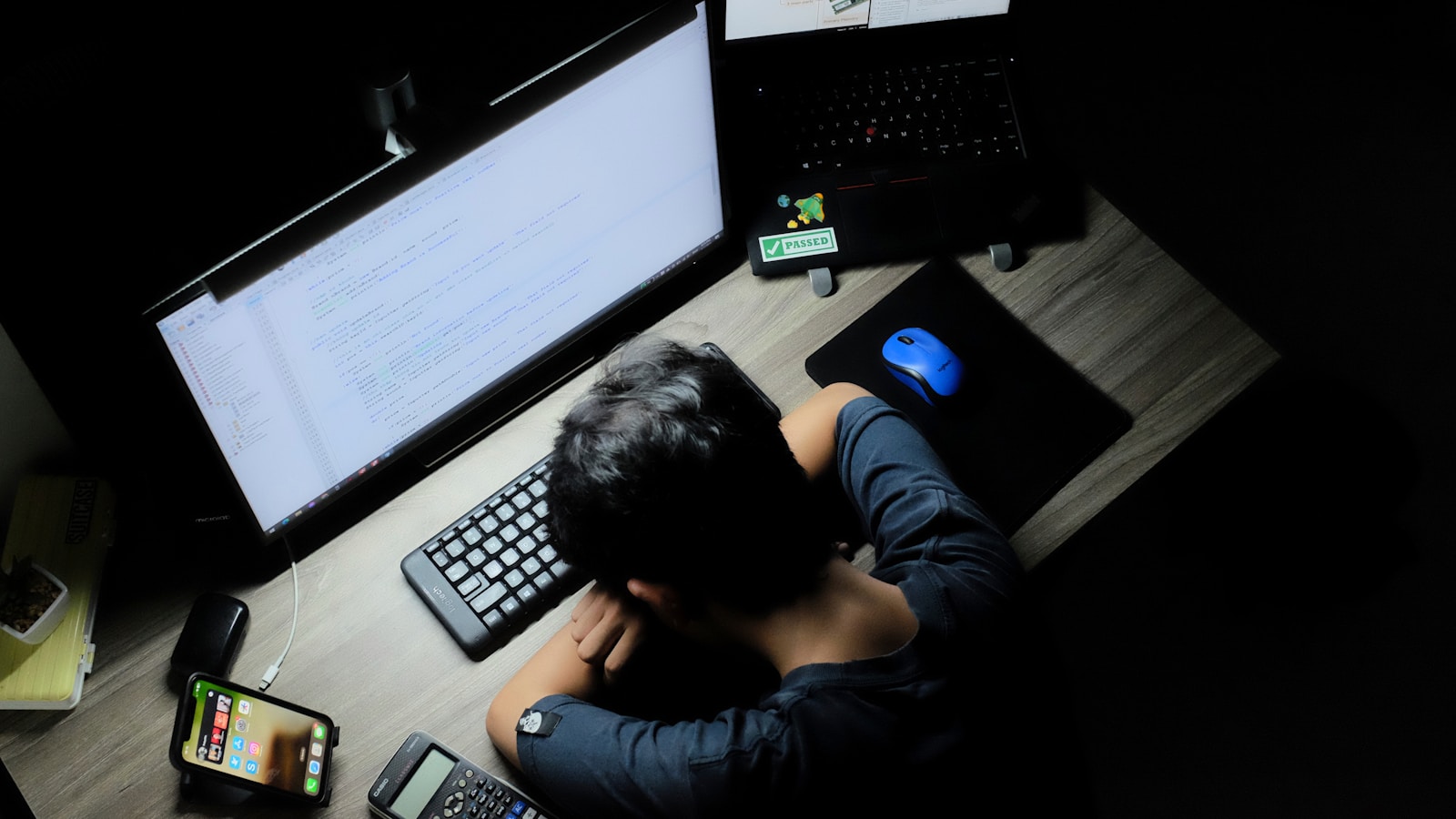
Notification Fatigue
Have you ever felt a tiny spike of anxiety just by looking at your phone’s home screen? Those little red circles—the “badges”—are not just harmless counters. They are psychological triggers designed to exploit your brain’s “urgency” system.
At LogOffly, we see Notification Fatigue as the leading cause of modern burnout. When your phone pings, your brain releases a small dose of cortisol, the stress hormone. Over dozens of notifications a day, you aren’t just “staying informed”; you are keeping your nervous system in a state of perpetual “fight or flight.”
It’s time to take your focus back. It’s time to silence the noise.
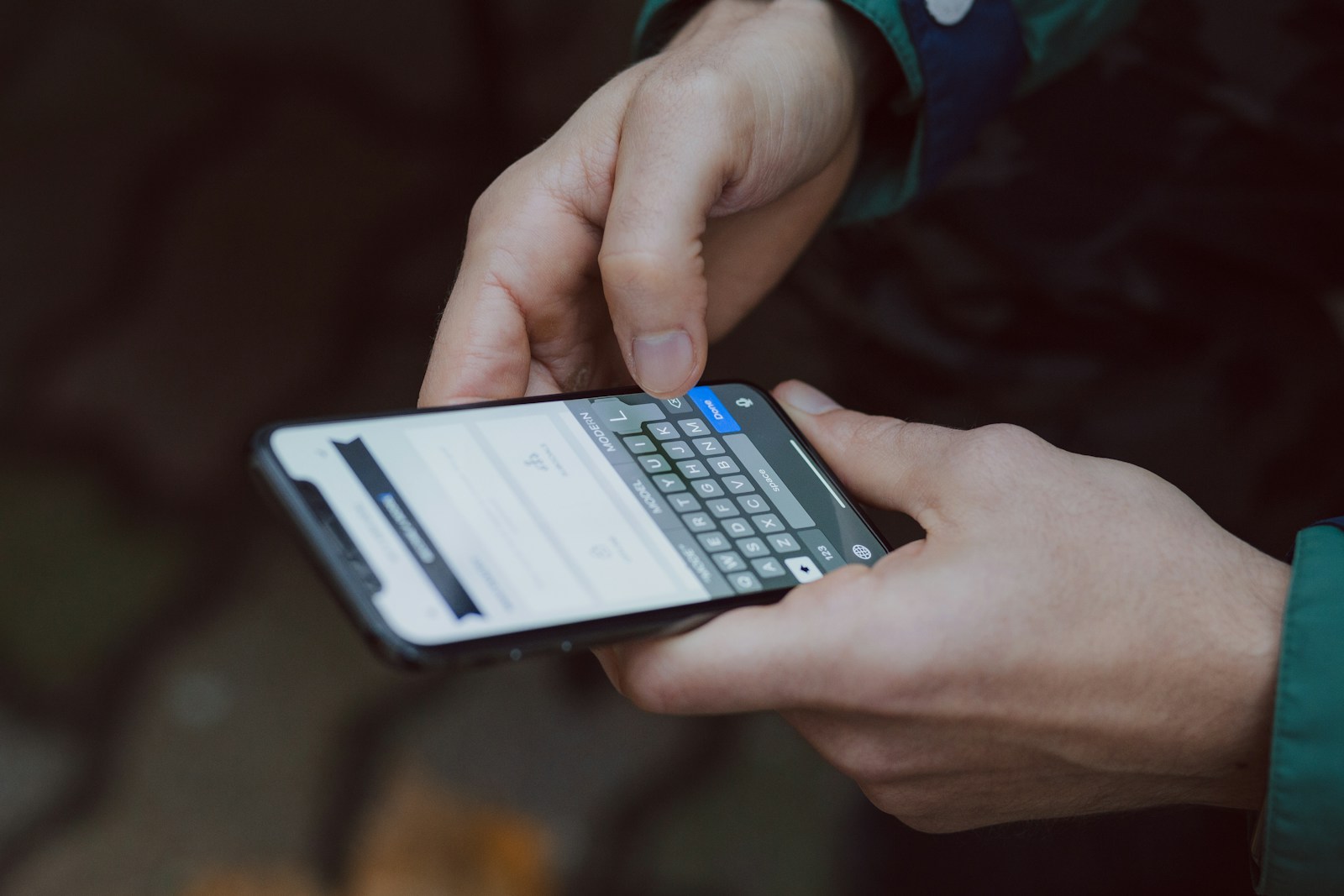
The Science of the “Red Badge”
Designers use red for notifications because it is the most attention-grabbing color in the human spectrum. In nature, red signifies fruit, blood, or fire—things that require immediate attention.
When you see a red “3” on your mail app, your brain treats it as an unfinished task that must be resolved. This creates Cognitive Itch—a mental discomfort that only goes away once you click the app. By the time you’ve cleared the badge, you’ve likely been sucked into a 15-minute scroll you never intended to start.
Essential vs. Noise: The Notification Audit
Not all pings are equal. To reclaim your calm, you must categorize your alerts:
- The Essentials: These are “Human-to-Human” interruptions. Direct calls, text messages from family, or calendar alerts for meetings.
- The Noise: These are “Machine-to-Human” interruptions. Newsletter alerts, “Someone liked your photo,” news breaking, and discount codes.
The LogOffly Rule: If it’s not a human trying to reach you in real-time, it doesn’t deserve a push notification.
Reclaim Your Focus: The Physical Silent Mode
Sometimes, software settings aren’t enough. Our brains are so conditioned to look at our phones that even a silent device on a desk can reduce our cognitive capacity. To truly beat notification fatigue, you need to hide the source of the stress.
Our Top Recommendation: The Mindsight Phone Prison / Lock Box
If you find yourself reflexively reaching for your phone every time you think you heard a “ghost ping,” the Mindsight Phone Lock Box is your best ally. It’s a simple, portable locker with a timer that allows you to lock your phone away for 15 minutes to 12 hours.
- Why it works: It removes the “micro-decisions” of whether or not to check a notification. Once it’s locked, the decision is made for you.
- The Result: You’ll feel the “phantom vibrations” fade away, allowing your cortisol levels to drop and your deep focus to return.
Note: By purchasing through our links, you support LogOffly’s mission to help the world find digital balance!
3 Steps to a Silent Phone
Ready to detox? Do this right now:
- Kill the Badges: Go to Settings > Notifications and turn off “Badges” for every app except your Phone and Calendar.
- The “Direct Only” Rule: Turn off all notifications for social media apps. If you want to see who liked your photo, do it when you choose to open the app.
- Schedule “Do Not Disturb”: Set your phone to automatically enter Do Not Disturb mode from 9:00 PM to 8:00 AM.
Protecting your attention is the highest form of self-care in the digital age. Your time is yours; don’t let a red dot tell you otherwise.
The Question
The Question: How many apps on your phone currently have a red notification badge? If you turned them all off right now, what is the worst thing that would actually happen?